
Bluff City Criminal History Checks
A Bluff City record check begins with a fallback chain because no official online police-record form, arrest blotter, or municipal case lookup was located. Call the Bluff City Police Department for a Bluff City agency report. Contact Bluff City Hall or the municipal clerk for a town court record. If a Bluff City arrest was booked elsewhere or a charge moved to county court, confirm the destination before searching Sullivan County.
The absence of a Bluff City portal is useful information. It prevents a searcher from relying on an unofficial site or assuming that no Bluff City record exists merely because a web search returns nothing.
- Call Bluff City Police at 423-538-6031 and identify the event and report type.
- Ask whether inspection or copies require a written Tennessee Public Records Act request.
- Contact City Hall or the court clerk at 423-538-7144 for a municipal file.
- Ask where a specific arrest was booked, then use the confirmed county custody channel.
- Contact the Sullivan clerk for a county case or use TBI TORIS for a broader Tennessee history.
When the event became a prosecution, the Sullivan County court case channels provide the filed charge and final judgment.
Bluff City Civic Hub Records
Bluff City City Hall, Police, and City Court share 4391 Bluff City Highway, P.O. Box 70, Bluff City, TN 37618. This compact arrangement makes the address simple but does not merge the files. Police can answer for an incident or arrest report. City Hall and the municipal clerk can route a city court request. The police line is 423-538-6031, while City Hall and court use 423-538-7144.
The official Bluff City contacts page identifies the town officials and the separate police and court numbers.
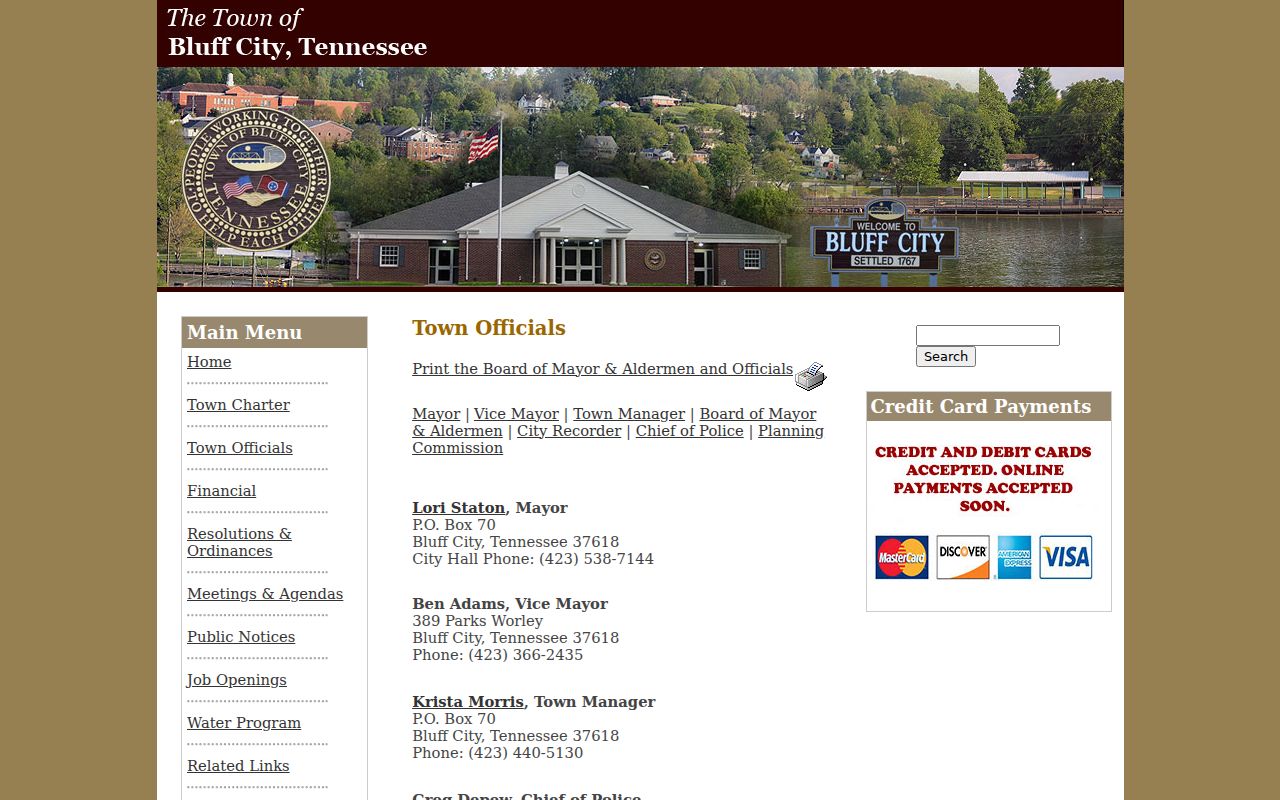
The shared Bluff City hub makes a clear description especially important. Say “police incident report,” “municipal court file,” or “Bluff City public record” instead of asking broadly for a background check.
Bluff City Civic Offices
4391 Bluff City Highway
P.O. Box 70
Bluff City, TN 37618
Police: 423-538-6031
City Hall/Court: 423-538-7144
Records at the Bluff City Police Department
Bluff City Police creates the local record when its officers respond, investigate, issue a citation, make an arrest, obtain a warrant, or appear in town court. Research did not identify a web report form. A requester should call the police number, name the date or range, describe the location or event, and ask whether the open part of the file can be inspected or copied.
The town’s official Bluff City homepage is the verified city starting point for current public contacts.

The local page connects the Bluff City request to the government source without implying an online database exists. Bluff City Police may redact protected information or route a court question to the clerk.
Note: A Bluff City police report states the agency record of an event, not whether a court later convicted or dismissed a charge.
Bluff City No-Portal Record Search
No verified Bluff City police-record portal, arrest blotter, or municipal docket search was found in the official sources reviewed. The safe response is not to substitute a private people-search service. Use the Bluff City phone and counter, submit a focused TPRA request when needed, and follow a known Bluff City case to the Sullivan County clerk.
A good Bluff City request lists the record type, a short date range, the event location, and a subject or case identifier if known. Ask to inspect existing records or receive copies. TPRA does not require staff to answer questions, conduct research, or create a list that does not already exist. A narrow request is easier to route and less likely to produce avoidable copy or labor cost.
- Inspection
- Review of an existing open record, ordinarily without an inspection fee.
- Copy
- A paper or electronic reproduction that may carry a lawful charge.
- Custodian
- The Bluff City office that maintains and can retrieve the requested file.
Booking and Arrest Records in Bluff City
Research did not establish a Bluff City holding facility or a fixed booking agreement. For a specific arrest, ask the police where the person was booked. Then search the confirmed Sullivan County jail channel if that is the destination. This step matters because a lack of results in one roster does not prove that no Bluff City arrest occurred.
The Bluff City police report, booking record, and court file answer separate questions. The Bluff City report describes the agency event. A jail entry documents intake and custody. A clerk file shows the charge prosecutors filed and the court result. For current and recent county custody after a confirmed Bluff City transfer, the Sullivan County arrest search routes provide the next level.
Bluff City record path: Police event › confirmed booking location › county court if filed › disposition.
Bluff City Charter Warrant Records
The Bluff City charter gives town police duties that include preserving order, preventing crimes and ordinance violations, obtaining and serving warrants, and appearing in town court. Those duties explain why one event can produce a police file, a warrant or citation, and a court entry. They do not establish that every warrant is open or searchable online.
Call Bluff City Police about the agency record and the clerk about the Bluff City court file. If the warrant came from a Sullivan County court, use that clerk instead. Do not rely on a general web search as an “all clear.” A warrant may be protected, newly entered, served, recalled, or held by a different court. Direct verification is the sound Bluff City route.
The Bluff City Municipal Court File
Bluff City Court uses the shared civic address. The Administrative Office of the Courts confirms the municipal clerk channel at jsanders@bluffcitytn.gov, while the city phone is 423-538-7144. No official online case search was identified. Ask the clerk to confirm whether the matter is a town-court file and how inspection or copies are handled.
The Tennessee courts clerk directory supplies the official Bluff City municipal contact.
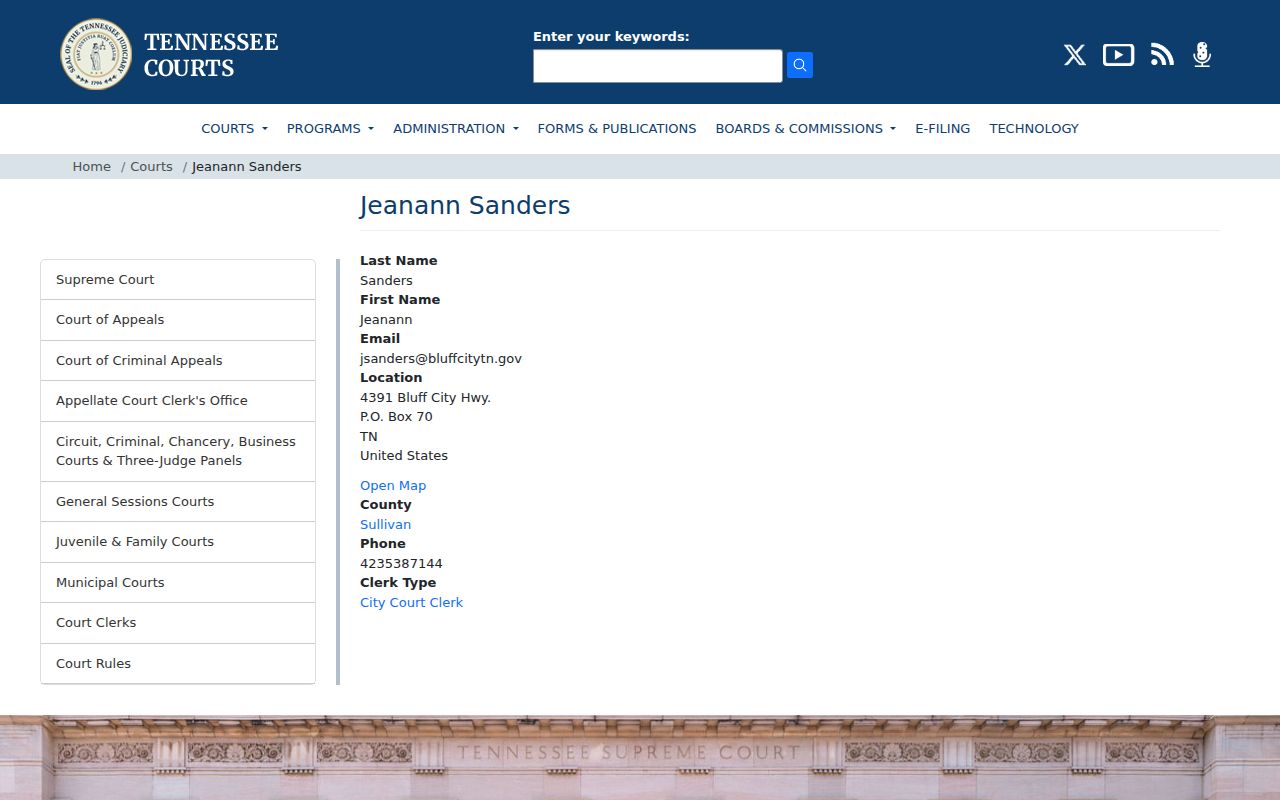
The state directory confirms the Bluff City clerk fallback that replaces an absent Bluff City docket portal.
| Court Name | Bluff City Municipal Court |
|---|---|
| Local Scope | Municipal offenses and town court matters under the city code and charter. |
| Lookup Channel | Phone at 423-538-7144, clerk email, or the counter at 4391 Bluff City Highway. |
| File May Show | Citation or warrant-related filing, docket action, orders, and the recorded result when public. |
| County Boundary | County criminal cases belong to the Sullivan County clerk system. |
Bluff City Code Record Boundaries
Bluff City’s municipal code separates Title 3 Municipal Court, Title 6 Law Enforcement, Title 11 Municipal Offenses, and Title 15 Motor Vehicles. That structure helps a requester identify the type of town record. A municipal offense or vehicle matter can remain at city altitude, while a state criminal prosecution may move to Sullivan County.
Ask the Bluff City clerk whether the file was created under a city ordinance or transferred into a county criminal process. The label affects the custodian, not just the wording. A Bluff City municipal docket may document the local outcome, but it is not a complete Tennessee criminal history. Likewise, a police incident record is not the court judgment.
How Bluff City Records Reach the County
Bluff City Police holds the city event record. When a matter becomes a county prosecution, Sullivan County clerks hold complaints, docket activity, orders, and dispositions. Qualifying fingerprint-supported arrests and reported final outcomes may then reach the Tennessee Bureau of Investigation repository. Timing and data-link issues can cause the city, county, and state products to differ.
Record flow: Bluff City Police Department › Sullivan County Courts › Tennessee Bureau of Investigation.
Use the Bluff City police file for the local narrative, the clerk file for adjudication, and TBI TORIS for a Tennessee-only name history. If an expected Bluff City result is absent, verify spelling, event date, venue, and the final disposition at its source.
Bluff City Equipment Record Trail
The town’s 2025 appropriation record documents an Axon body-camera and Taser upgrade plus three police cruisers costing $162,100. This is a concrete local transparency trail. It shows that town fiscal and ordinance records can add context to police operations, while body-camera footage from a specific incident remains a separate police-record request subject to review and any legal limits.
The official Bluff City ordinance index is the source for those appropriations. A request for video should identify the incident and date, not cite the broad equipment purchase alone. The city can then determine whether responsive footage exists and what part, if any, is open.
Bluff City Historic Record Identity
Bluff City was incorporated on November 1, 1870. The municipality was formerly called Union, with the name changed to Bluff City in the 1887 charter history. Those names matter for historical and genealogy research because older records may use the former town identity. The 2020 Census counted 1,822 people across 1.7 square miles, placing modern record access in a small-town setting.
The Municipal Technical Advisory Service directory documents the incorporation and name history.
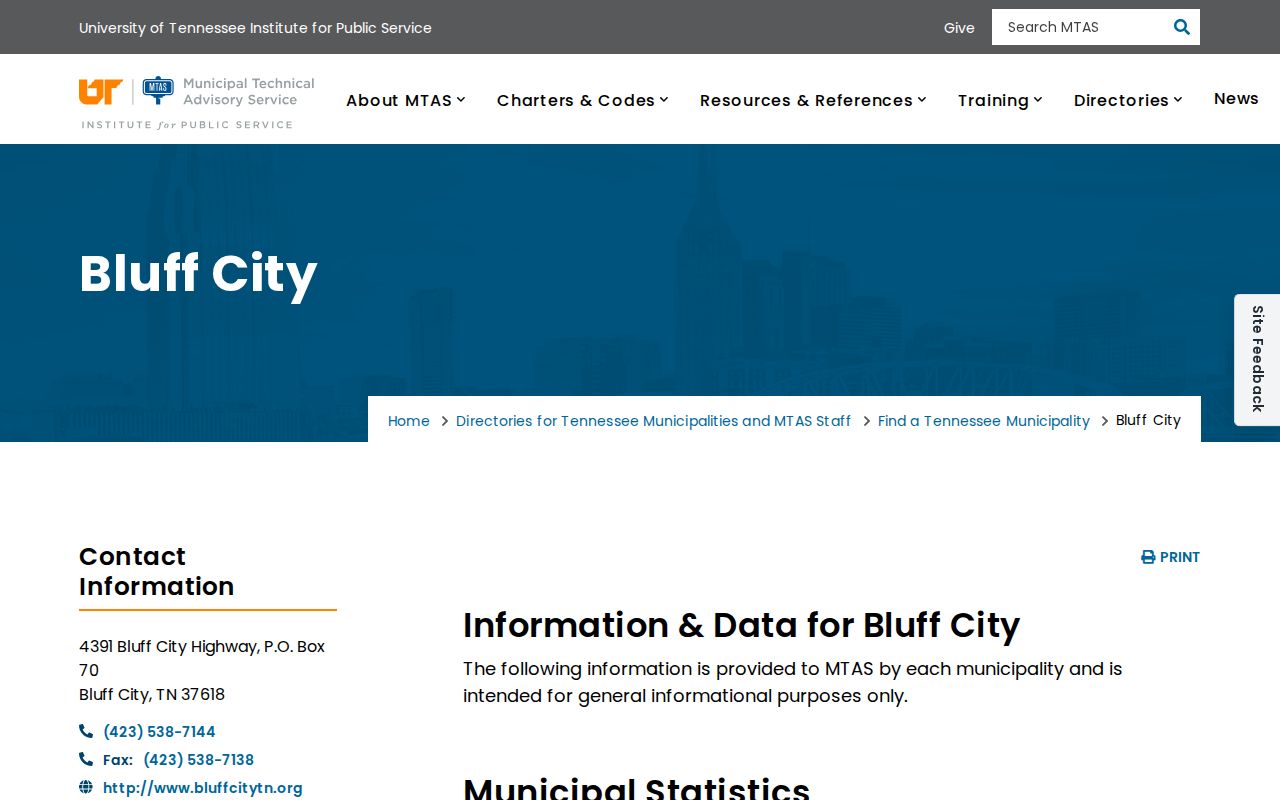
For older Bluff City research, give both the historic and current town names and ask which archive or clerk holds the period requested. That approach keeps the historical angle tied to a real local source. The town's code also separates Municipal Court, Law Enforcement, Municipal Offenses, and Motor Vehicles into distinct titles, which can help staff route a focused historical request.
Bluff City Specific Record Requests
A precise TPRA request works best when no web form exists. Address it to the likely Bluff City custodian and ask for an existing record. Include a narrow date range, event location, record type, and identifying number or subject when known. State whether inspection or copies are wanted and provide a reply channel. If the first office does not hold the file, ask which city or county custodian does.
Avoid asking staff to explain why an event occurred or to assemble a criminal history from many systems. Those are not requests for existing records. Separate the police report, town docket, county case, and state history into focused requests. This gives Bluff City staff a clear task and lets each result retain its proper meaning.
Note: A phone call can identify the custodian before a written Bluff City copy request is submitted.
Bluff City Record Access Rules
The Tennessee Public Records Act gives Tennessee citizens access to open government records, while other laws and court rules protect confidential material. Bluff City may verify citizenship and require a request detailed enough to locate the file. An inspection request may be oral and ordinarily carries no inspection fee. A request for copies can be required in writing. Juvenile records, expunged charges, sealed matter, protected identifiers, and other confidential content may be withheld or redacted.
Key Statutes:
Tenn. Code Ann. § 10-7-503 creates the Tennessee-citizen right to inspect and copy nonconfidential public records.
Tenn. Code Ann. § 10-7-504 recognizes confidential records and legal exceptions.
Tennessee Supreme Court Rule 34 governs public court-record access with local procedure.
Public access does not make every allegation true. Describe a Bluff City arrest, pending charge, dismissal, conviction, and expunged matter as distinct record states. Corrections should begin with the office that created the disputed file.